


Most parents don’t realize how fast a family trip can turn stressful when someone goes off-grid. Mobile tools for keeping your family safe aren’t just convenient add-ons anymore. They’re the difference between a calm vacation and a panicked search.
The real challenge isn’t finding an app. It’s balancing child privacy with parental oversight, keeping GPS accurate without draining batteries, and managing screen time across every device your kids dragged along. After reviewing dozens of apps in this space, this guide covers five tools that actually hold up when it matters.
The research approach for this ranking began by gathering real reviews from major app stores, review platforms, and official product pages. Only tools with a documented track record in family safety were kept in the running. Feature claims were cross-checked against what real families reported experiencing day to day.

-> See the full research breakdown
- iSharing – Best for real-time family location sharing and safety monitoring
- Scannero – Best for family location tracking and monitoring
- mSpy – Best for family parental control and device monitoring
- iMyFone – Best for iPhone data recovery and mobile device management
- AirDroid – Best for enterprise mobile device management and remote support
Why Mobile Tools for Keeping Your Family Safe Matter
Picking the wrong tool for family safety monitoring costs more than a subscription fee. It costs trust. And once a teenager figures out the app is clunky or invasive, they’ll find a workaround fast. The right mobile tool threads a delicate needle: giving parents enough visibility to feel confident while respecting the privacy that keeps kids from resenting the whole setup.
Location tracking accuracy matters more than most product pages will admit. An app with a wide accuracy radius or slow GPS update frequency can leave a 10-minute gap in data during the exact moment something goes wrong. One of my friends dropped her daughter off at a party in Surrey, then checked the app an hour later and saw that her daughter was at a park in New Westminster. She called her daughter, who insisted she was still in Surrey; as the mom was still near the drop-off location, she drove over and asked her daughter to come out and say hi. Grudgingly, the daughter did so, showing that the app had glitched somehow and pinpointed the daughter’s location miles away from where she actually was.
Alert response time from trigger to parental notification is equally important, and so is how well a tool filters inappropriate content across platforms. The apps that consistently get these things right outperform everything else in real-world family safety scenarios.
Top 5 Mobile Tools for Keeping Your Family Safe: Breakdown and Comparison
Note: All data in this table is sourced from review platforms and the official websites of the listed companies.
| Company Name | Years Operating | Headquartered In | Best For |
|---|---|---|---|
| iSharing | Since 2010 | Irvine, CA | Real-time family location sharing and safety monitoring |
| Scannero | Since 2022 | Geri, Cyprus | Family location tracking and monitoring |
| mSpy | Since 2010 | Not disclosed | Family parental control and device monitoring |
| iMyFone | Since 2015 | Shenzhen, China | iPhone data recovery and mobile device management |
| AirDroid | Since 2011 | Singapore | Enterprise mobile device management and remote support |
iSharing – Best for Real-Time Family Location Sharing and Safety Monitoring
What Does iSharing Do?
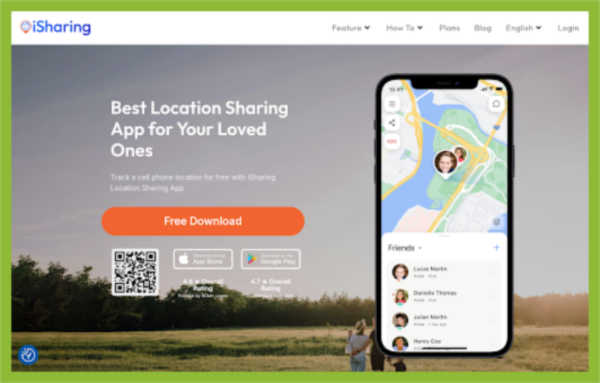
iSharing sits at the top of the family safety app category for a reason. The safe location tracking app by iSharing gives families real-time GPS location sharing, place alerts, panic buttons, inactivity alerts, and driving reports, all inside one straightforward interface. What stands out is the combination of breadth and affordability. Most apps this feature-rich sit behind steep paywalls. iSharing keeps it accessible, which explains why it’s crossed 50 million downloads globally with a 16% year-over-year growth rate.
Why iSharing Stands Out in Mobile Tools for Keeping Your Family Safe
iSharing solves the main problem most families face: needing a tool that’s powerful enough for real emergencies yet simple enough that every family member actually uses it daily. Apps with high daily active usage rates prevent more family safety incidents simply because the data is always current, and iSharing’s adoption numbers back that up.
Summary of Real User Reviews
Honestly, a 4.60 rating from over 224,000 reviews is rare for any app, let alone a free one. Users consistently cite real-time GPS accuracy and clean navigation as the top reasons they stick with it. The affordability relative to competitors comes up repeatedly in reviews, suggesting iSharing has found a price point that feels fair to families who are just trying to stay connected safely.
Scannero – Best for Family Location Tracking and Monitoring
What Does Scannero Do?
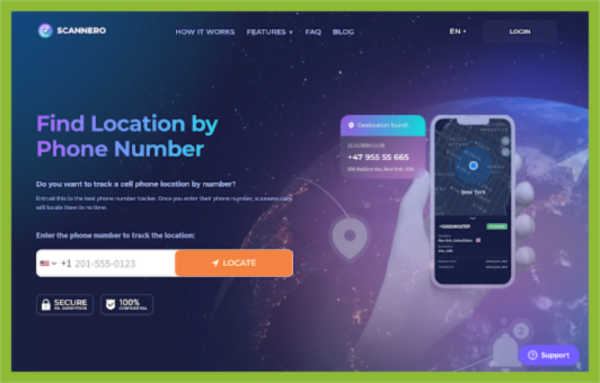
Scannero takes a different approach from most family tracking tools. Instead of requiring an app to be installed on the target device, it locates a phone using just the phone number. That’s a genuinely useful concept for parents trying to check on a child who hasn’t downloaded anything yet, or for quickly locating a family member in an unfamiliar place. They offer a 24-hour trial for $0.89 and a monthly plan at $49.80 for unlimited location lookups. The no-installation angle is the main selling point.
Why Scannero Stands Out among Mobile Tools for Keeping Your Family Safe
Scannero addresses a specific gap: situations where installing a tracking app simply isn’t possible or practical. That kind of flexibility is rare, but it only matters if the service delivers accurate, reliable results when a family genuinely needs them.
Summary of Real User Reviews
Here’s the deal: a 2.2 out of 5 on Trustpilot from 574 reviews is a number that’s hard to overlook. The low rating points to real concerns around service reliability and overall satisfaction that go well beyond minor complaints. The concept clearly attracts users, but the actual experience leaves too many of them disappointed to recommend it without serious hesitation (which is worth knowing before paying $49.80 a month).
mSpy – Best for Family Parental Control and Device Monitoring
What Does mSpy Do?
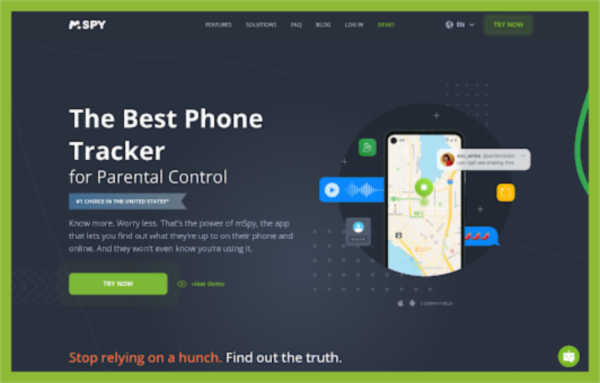
mSpy has been in the parental control space since 2010, and it shows in the depth of what the platform covers. They monitor SMS messages, browser history, photos, videos, contacts, and app activity across iOS, Android, Windows, and macOS. The feature that separates mSpy from most competitors is its ability to pull data from encrypted messaging apps like Snapchat, WhatsApp, Telegram, and Facebook Messenger. For parents worried about what’s happening inside those conversations, that capability is genuinely useful.
Why mSpy Stands Out among Mobile Tools for Keeping Your Family Safe
mSpy targets one of the hardest problems in digital parenting: the fact that most dangerous online interactions happen inside encrypted apps that standard monitoring tools can’t touch. Their approach to capturing activity across those closed platforms puts them in a category that very few tools compete in directly.
Summary of Real User Reviews
mSpy has picked up well-known credentials, including the kidSAFE Certified Seal and the PTPA Winner’s Seal of Approval, which carries weight with parents evaluating credibility. That said, the company has faced documented security incidents, including data breaches in 2015 and 2018, and a Zendesk compromise in 2024. Those incidents are a real consideration for families weighing whether to trust a monitoring tool with sensitive child data.
iMyFone – Best for iPhone Data Recovery and Mobile Device Management
What Does iMyFone Do?
iMyFone serves a slightly different slice of the family safety space. Rather than live location tracking or content filtering, they focus on protecting and recovering the data on family members’ devices. Their flagship products cover iPhone data recovery (D-Back), iOS system repair (Fixppo), and device unlocking (LockWiper). With 65 million users across 200+ countries, the scale is real. For families who’ve lost photos, messages, or contacts from a child’s phone, iMyFone fills a gap that most safety apps don’t address at all.
Why iMyFone Stands Out in Mobile Tools for Keeping Your Family Safe
iMyFone solves the data recovery side of family device management, a problem that becomes urgent fast when a child’s phone crashes, gets broken or reset, or is lost entirely. Their product range covers the full lifecycle of a device problem, from recovery to repair to unlocking, rather than stopping at a single fix. We could have used this when my daughter’s tablet screen crashed and she lost all the photos and digital art she had on it.
Summary of Real User Reviews
Engadget called out iMyFone D-Back as a top leader in iPhone recovery, which carries real credibility in a crowded tool market. Coverage from over 120 high-authority media outlets adds to that picture. Users respond well to the 30-day money-back guarantee and the security promise, both of which make the purchase feel lower risk for parents who aren’t always confident about installing new software on family devices.
AirDroid – Best for Enterprise Mobile Device Management and Remote Support
What Does AirDroid Do?
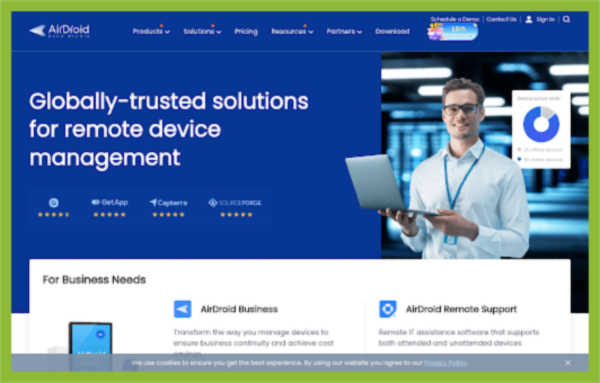
AirDroid, built by Sand Studio, is primarily an enterprise mobile device management platform. It handles remote control, file transfers, screen casting, and policy management across Android and Windows endpoints in 100+ countries. The family safety angle comes through their parental control features, which sit inside a much larger MDM system. For tech-savvy parents who want tight control over multiple devices in a structured way (think households like mine running several tablets or school-issued devices), AirDroid brings enterprise-grade discipline to what other apps handle more casually.
Why AirDroid Stands Out in Mobile Tools for Keeping Your Family Safe
AirDroid fills the gap for families who need more than simple location sharing, particularly those managing multiple devices with consistent policy rules across all of them. Their proprietary Black Screen Mode during remote access reflects a level of attention to privacy that most consumer-facing apps don’t bother building.
Summary of Real User Reviews
A 4.9-star aggregate rating and a perfect 5/5 on Capterra are numbers that reflect genuine satisfaction from users, not just good marketing. AirDroid gets mentioned by BBC and CNET, and holds the No. 4 spot on multiple MDM software rankings. Users call out the customer service quality and ease of setup, which matters a lot when a parent is configuring devices for kids and doesn’t want to spend hours troubleshooting (not everyone is an IT admin).
Research Methodology and Selection Process
Initial Data Collection
The process started by casting a wide net. Dozens of apps and platforms connected to mobile family safety were pulled from major app store rankings, parenting tech directories, and consumer review aggregators. Official product websites were reviewed alongside third-party coverage to build a starting list that reflected both market presence and real-world visibility.
Shortlisting Phase
From that initial pool, options were narrowed down by removing any tool that lacked verifiable reviews or had no documented history in the family safety tech space. Review patterns were analyzed across platforms to distinguish consistent satisfaction from isolated positive responses. Tools with thin documentation, unclear pricing, or no public evidence of actual family safety use cases were cut at this stage.
Verification of Claims
Every feature claim made on a company’s website was cross-checked against what users actually reported experiencing. GPS accuracy claims were compared to real-world reviews about reliability. Emergency alert response times listed in marketing materials were evaluated against app store reviews describing how the features performed during actual incidents. Where discrepancies existed between claims and reported experience, that gap was weighted heavily in the overall assessment.
Authority and Industry Contribution Layer
Each shortlisted tool was then evaluated for external credibility signals. Industry certifications, awards from parenting organizations, coverage in well-known media publications, and security audit history were all factored in. Security incident history was treated as a relevant data point rather than ignored, since families are entrusting these tools with location data and communications involving minors. That context makes security track record more important here than in most other software categories.
Mobile Tools For Keeping Your Family Safe: Specific Evidence
The final layer focused on the relevance of family safety. Tools were reviewed for dedicated parental control features, compliance with COPPA, GDPR-K, and state-level child privacy laws, and real-world evidence of use in genuine family safety situations. Only tools with clear, documented positioning in the family safety tech category made the final list. General-purpose tracking or device-management tools without a specific family-safety context were excluded at this step.
How to Choose the Right Mobile Tools for Keeping Your Family Safe
Choosing the right tool comes down to matching what a specific family actually needs, not picking the app with the longest feature list. A parent tracking a 7-year-old’s screen time has completely different requirements than one monitoring a 16-year-old’s driving habits. Here are the important factors worth thinking through:
- Industry/Domain Experience: Look for tools that have been built for family safety, not general tracking software that added a parental control tab as an afterthought. Years in the space and a proven user base signal product maturity.
- Features and Service Options: Identify which features your family will realistically use, such as real-time location, SOS alerts, screen time controls, or content filtering. Paying for features no one activates is just a waste.
- Pricing Structure: Free trials and money-back guarantees matter. A 24-hour trial at under $1 sounds low-commitment, but read the fine print on what rolls into a monthly charge afterward.
- Results Measurement: Check whether the app gives you clear data, like GPS update frequency, alert logs, and driving reports, so you can actually tell whether it’s working.
- Industry Knowledge and Compliance: Any tool handling a minor’s location data should clearly address COPPA, GDPR-K, and state-level child privacy laws. If a company isn’t transparent about this, that’s a red flag worth taking seriously.

Bottom Line
The family safety app space has matured enough that parents now have real choices across different needs and budgets. iSharing leads on accessibility and real-time tracking, mSpy goes deepest on digital monitoring, and AirDroid suits families who want enterprise-level device control. The right pick depends on what a specific family actually needs day to day. As location tracking accuracy and child data protection compliance continue to develop, the tools that put both reliability and privacy first will be the ones families stick with long-term.
One Response
Has anyone tried the Xnspy parental monitoring app? Pretty handful app as I’ve used it to track my child; his school is pretty far away.