


Cardboard is one of the most popular craft items in my home. Whether because it’s readily available (hello, Amazon boxes!) or because it’s so versatile, my kids have created everything from suitcases to castles to artwork with cardboard boxes. In the past, my biggest concern when they began eyeing up a new cardboard box for a craft project was how they would create safely. It’s hard to cut cardboard. Enter the BeaverBot, a child-friendly cardboard cutter.
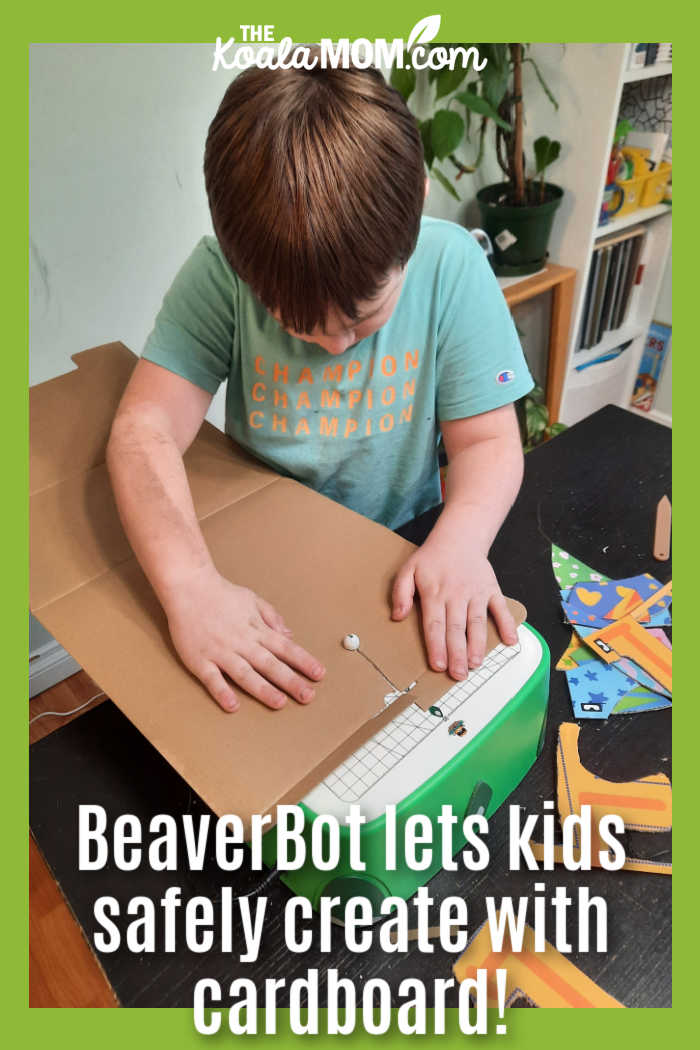
I received the BeaverBot C2 cutter for the purposes of this review; all opinions expressed remain my own. This post contains affiliate links; as an Amazon associate, I earn from qualifying purchases.
What is the BeaverBot C2?
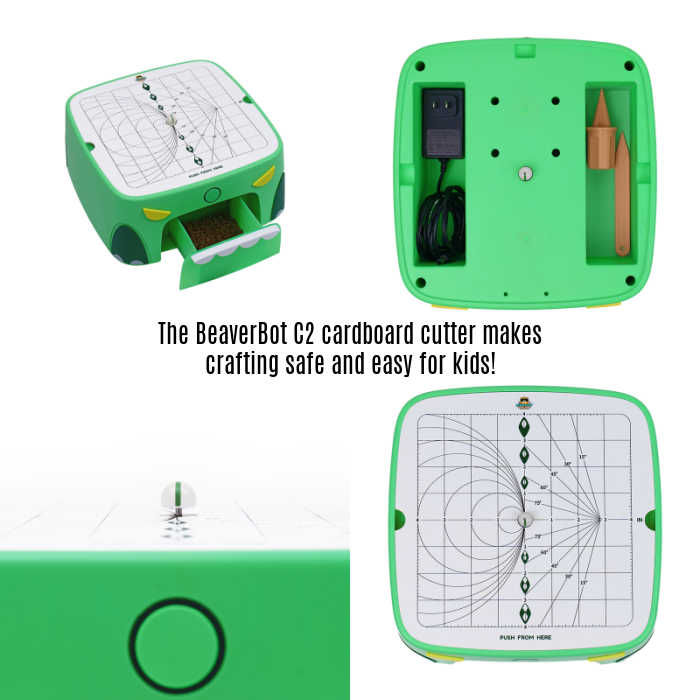
As I watched my kids try out the BeaverBot C2, it actually reminded me of my dad’s table saw — but a miniature, kid-safe table saw that cuts cardboard instead of plywood. The BeaverBot cutter is a small box with space underneath for the cord and tools, a drawer inside for cardboard shavings, and a cutter and cutting surface on top. One button turns the cutter on and off while another button adjusts the speed of the cutter.
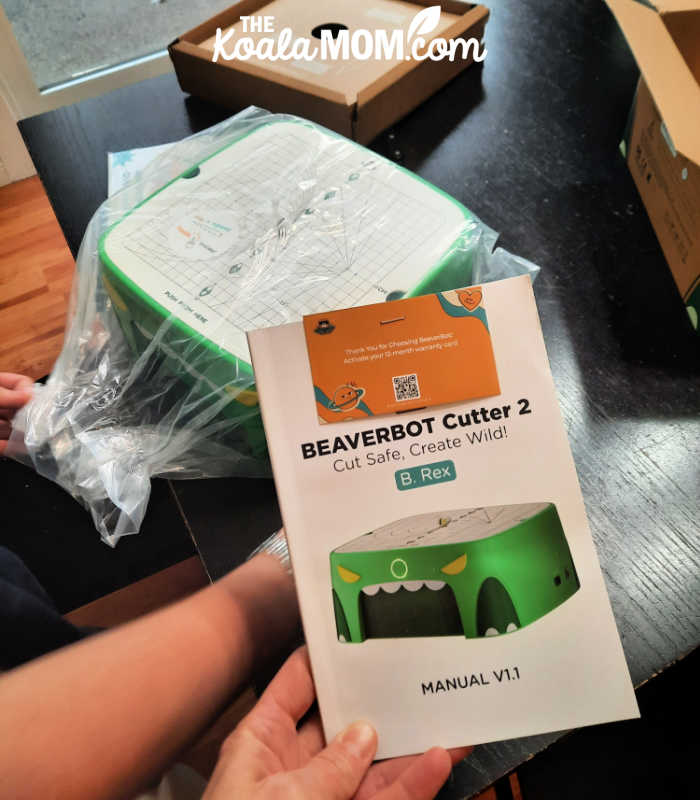
My 12-year-old helped me unbox the BeaverBot C2 cutter. While I did glance through the instruction manual, this product is so kid-friendly that it literally took her seconds to have it plugged in and slicing through the sample cardboard provided.
As a neat freak, I really appreciate how compact the entire cutter was. It keeps the tools organized and also makes it easy to clean up afterwards because all the shavings land in the small drawer underneath. My 8-year-old had fun regularly checking and emptying the drawer, because he could see how much “sawdust” he’d made while cutting.
How to Use the BeaverBot Cardboard Cutter
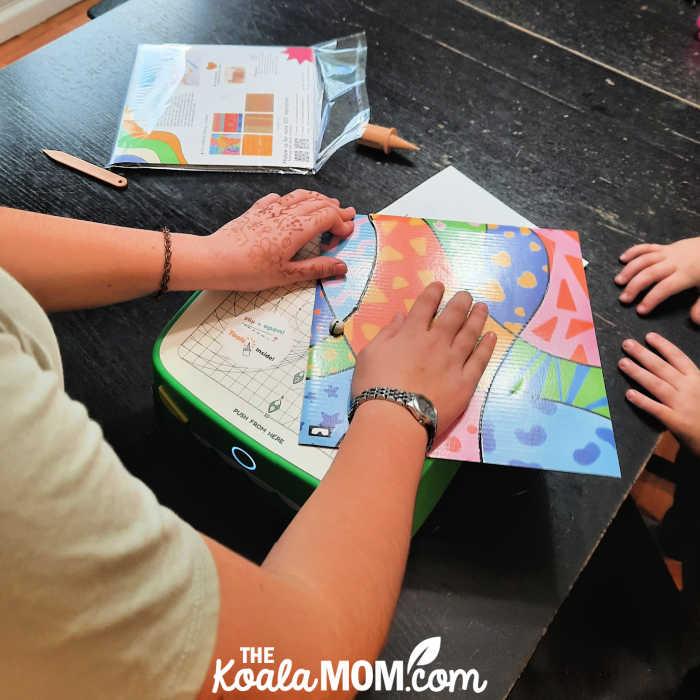
While the BeaverBot cutter can be used for any regular cardboard boxes, BeaverBot also provides some fun ideas. Our BeaverBot C2 arrived with some colorful templates for the kids to cut apart to practice following lines and using the cutter. The dark lines on the cardboard helped the kids get the feel for making curves and other cuts, and even for drawing their own designs on cardboard before using the cutter.
The BeaverBot cutting blade is located under a small button in the centre of the cutting table. This button protects it from any fingers and only allows cardboard that is 5 mm thick or less underneath. The blade also only has one cutting side, so kids have to learn to push in one direction and to make any turns or corners in their cardboard carefully. Again, it reminded me of my dad’s table saw or jigsaw, but provides a safer, simpler way to learn to create.
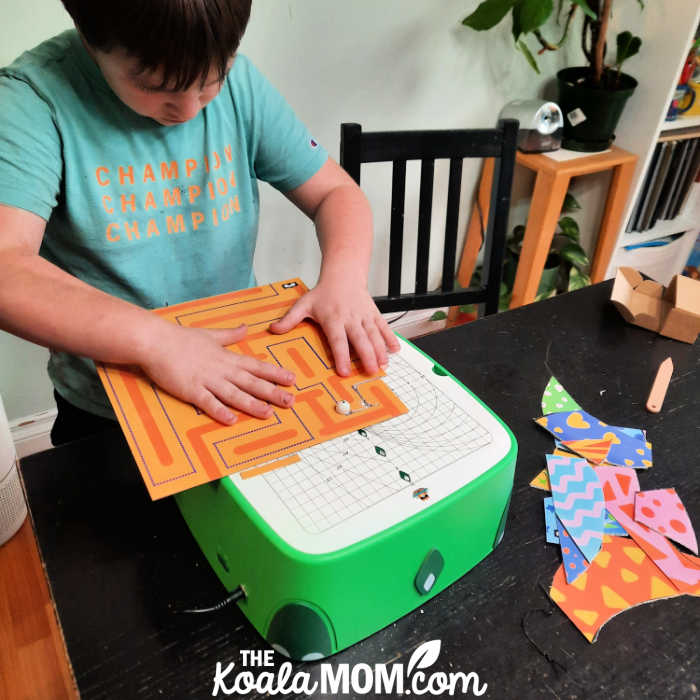
My 12-year-old really enjoyed cutting the provided designs and playing with the bright shapes and colors. My 8-year-old followed one maze with the BeaverBot cutter and then preferred to come up with his own ideas using cardboard from our recycling bin. I really enjoyed seeing what he thought of doing with his new cardboard cutter. Again, it was so easy and so safe for him to use that I was able to work in the kitchen nearby instead of having to actively supervise him while he was creating.
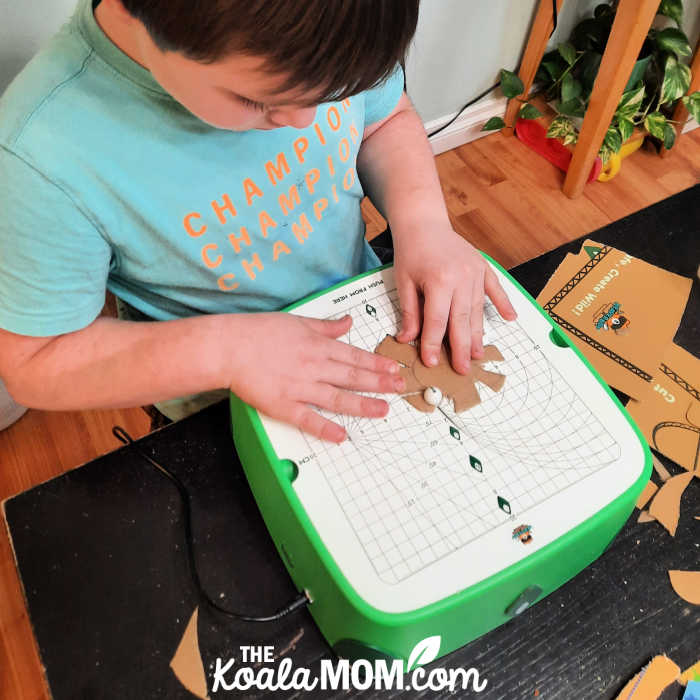
The BeaverBot website offers quite a few craft kits for kids to build with their cutter. These include a cardboard marble run, cardboard tool box, cardboard animals, and more. These are super cool ideas that may jumpstart more creativity in your child.
Why We Love the BeaverBot C2 Cardboard Cutter
My 8-year-old has ADHD and struggles with emotional regulation, impulsivity and sensory issues. Crafting is a calming activity for him, an area where his hyperfocus becomes a superpower and his creativity can fly. The only problem for me is when his big ideas for creating things cause either huge messes or safety concerns.
For example, there was a long time when I maintained control of the glue gun because I didn’t want any hot glue burns. Recently, however, I allowed Joey to start using the glue gun himself. He dashed to the sink a couple times to cool a burnt finger, but soon learned to use the glue gun without burning himself. Getting him to clean up after he’s been gluing for a while is another story. Cleaning up triggers his dislike of hard or boring jobs and often results in huge, frustrated emotions.
TheBeaverBot cutter has none of these problems. The blade is protected so he can safely cut cardboard to his heart’s content. The cutter also limits what he can cut; he can’t push anything bigger than 5 mm through the blade, so he has to choose his building materials appropriately. Cleaning up is easy and even fun, as most of the cardboard bits fall into the tray underneath the cutter. Okay, there’s still little bits of cardboard around the cutter, as you can see in the pictures above, but those are also pretty easy to sweep into a hand and drop back into the recycling bin.
The BeaverBot cutter is much quieter than most garage power tools, but it is still somewhat noisy. We had to raise our voices slightly to talk over it. My partner and I both found the noise a bit much after Joey had been working for a while, but he seemed immune to it. The noise itself may be calming for him as he tends to be sensory-seeking. However, if you have a child who is sensory-avoiding or has auditory sensitivities, they may not like the cutter as much.
Unlock Your Child’s Creativity Today!
The BeaverBot C2 is available both on the website and Amazon. It comes as either a cool green dinosaur (our model) or a fun pink bunny. The original model is a brown beaver. Each model comes with two tools: a cardboard punch and a plastic knife, which can be stored under the cutter table. Some additional tools are also available to help guide fancier cuts with the BeaverBot.
No Responses Yet